
Recent Projects
Recent
Archives
Recent Project
Chromebook Enrollment for District-Wide Student Device Deployment
White Glove Chromebook Configuration, Google Workspace Enrollment, and Classroom-Ready Device Delivery
Preparing Thousands of Student Devices for Immediate Classroom Use
This Maryland K-12 public school district needed to deploy thousands of new student Chromebooks across multiple schools while minimizing the workload on internal IT staff and ensuring every device was fully operational before students returned to the classroom.
The district required every Chromebook to be properly configured, updated, and enrolled into its Google Workspace for Education environment prior to delivery. Each device also needed verified wireless connectivity, accurate asset tagging, and placement into the appropriate Google Organizational Unit (OU) to support centralized management and policy enforcement.
In addition to preparing new devices, the district needed to efficiently retire existing Chromebooks by removing them from charging carts, inventorying the equipment, palletizing it for recycling or resale, and preparing classrooms for the new technology. Completing these tasks on a district-wide scale required a carefully coordinated deployment strategy that minimized disruption while ensuring consistent device readiness across all locations.
Delivering Comprehensive Chromebook Enrollment Services
Data Networks delivered end-to-end Chromebook enrollment services for 3,031 Dell Chromebook 3120 devices, including 2,256 Dell Chromebook 3120 Non-Touch systems and 775 Dell Chromebook 3120 Touch systems, across 11 school locations. Each device was also provisioned with a corresponding Google Chrome Education Upgrade (Chrome Management Console) license, enabling centralized management through the district’s Google Workspace environment.
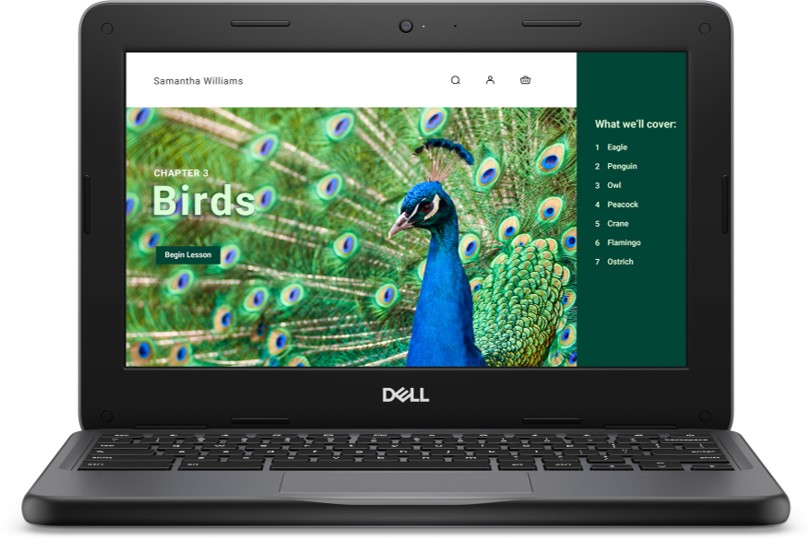
The project began at Data Networks’ staging and configuration center, where each Chromebook underwent a comprehensive white glove preparation process. Engineers verified shipment accuracy, confirmed serial numbers against packing documentation, inspected devices for shipping damage, and coordinated replacement of any defective equipment before deployment.

The core of the project focused on Chromebook enrollment into the district’s Google Workspace for Education domain. Using district-provided credentials, each device was enrolled, assigned to the correct Organizational Unit based on school level, and configured to comply with the district’s management policies.
Engineers upgraded every Chromebook to the latest ChromeOS version and verified Wi-Fi connectivity using the district’s approved wireless network settings, ensuring each device could immediately connect to school resources upon first use.
To simplify ongoing asset management, district-issued asset tags were applied to every Chromebook, and a comprehensive electronic inventory of serialized equipment was created to support future lifecycle management and reporting.

Following configuration, devices were repackaged according to school-specific deployment plans and delivered to their designated locations.
At each site, Data Networks installed the new Chromebooks into existing charging carts, confirmed charging functionality and cable integrity, and performed final quality assurance testing to validate proper operation before the devices were placed into service. Legacy Chromebooks were simultaneously removed from the carts, inventoried, palletized, and prepared for recycling or resale through the district’s approved disposition process.
Streamlined Chromebook Enrollment and Classroom Readiness
The completed Chromebook enrollment project enabled the district to deploy more than 3,000 fully configured student devices across 11 schools with minimal disruption to instructional operations.
Because every Chromebook arrived fully enrolled, updated, asset tagged, and verified prior to delivery, district IT personnel avoided the time-intensive process of manually configuring devices after arrival. The standardized enrollment process ensured consistent policy application, simplified ongoing device administration, and allowed students to begin using their Chromebooks immediately.
Accurate asset inventories and Google Workspace enrollment also strengthened long-term device lifecycle management while reducing administrative overhead for future support and reporting.
The coordinated replacement of legacy devices further streamlined the district’s technology refresh by efficiently preparing retired equipment for recycling or resale while ensuring classrooms received the correct number of new Chromebooks.
Through comprehensive white glove services, meticulous quality assurance, and scalable deployment logistics, Data Networks delivered a successful Chromebook enrollment initiative that accelerated classroom readiness, simplified IT operations, and supported the district’s long-term digital learning strategy.
Tags: K12, client computing